Downloads
Free things to take with you.
Animated Zoom backgrounds
The scene from our home page for your video calls: Table Mountain, the cable cars, drifting clouds, and Clawd strolling the shore eating strawberries. Each one is a 40 second video that loops without a jump.
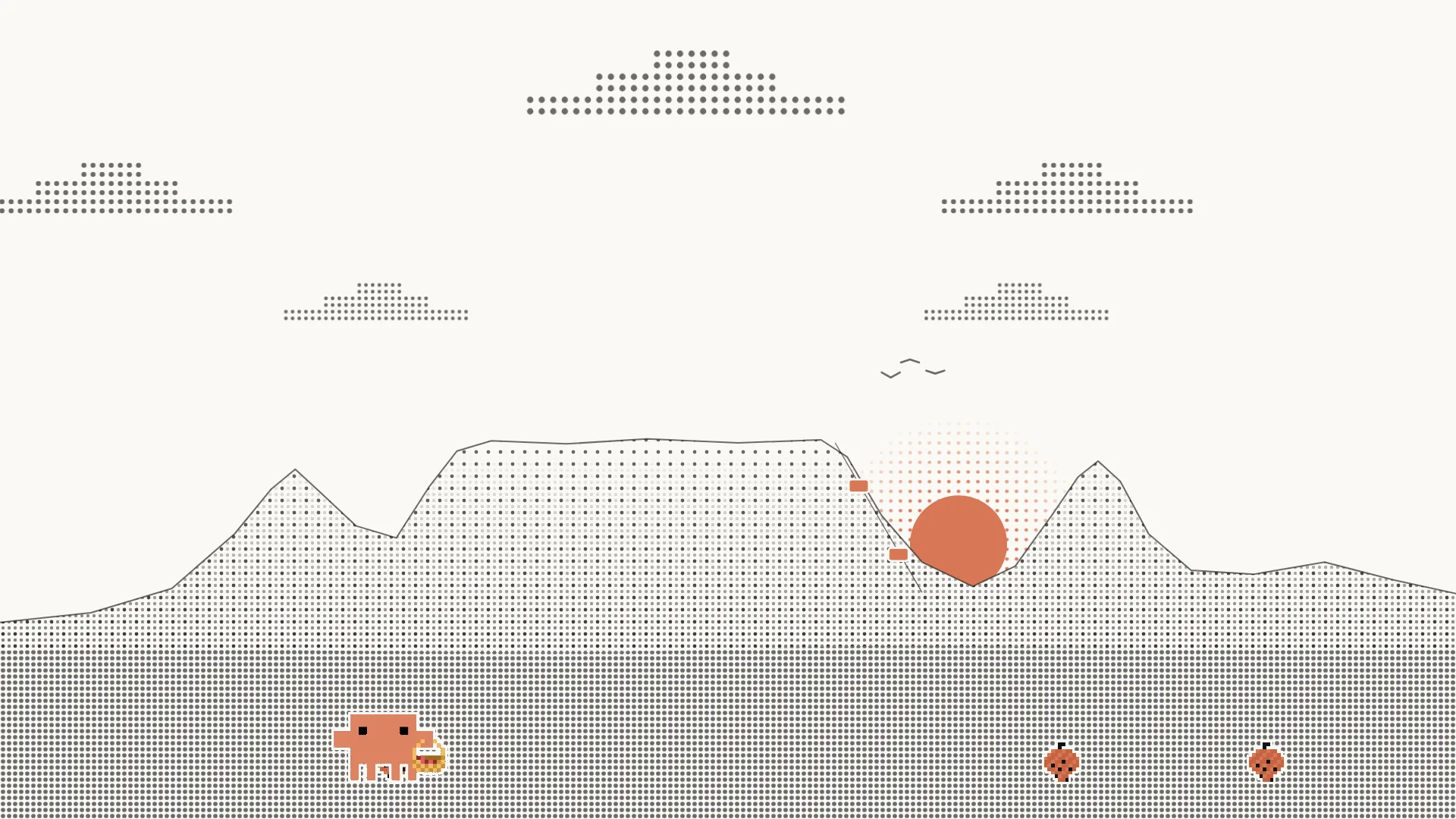
Daytime
The sun in the nek beside Lion's Head, on ivory.
MP4 video, 1920 by 1080, 7 MB
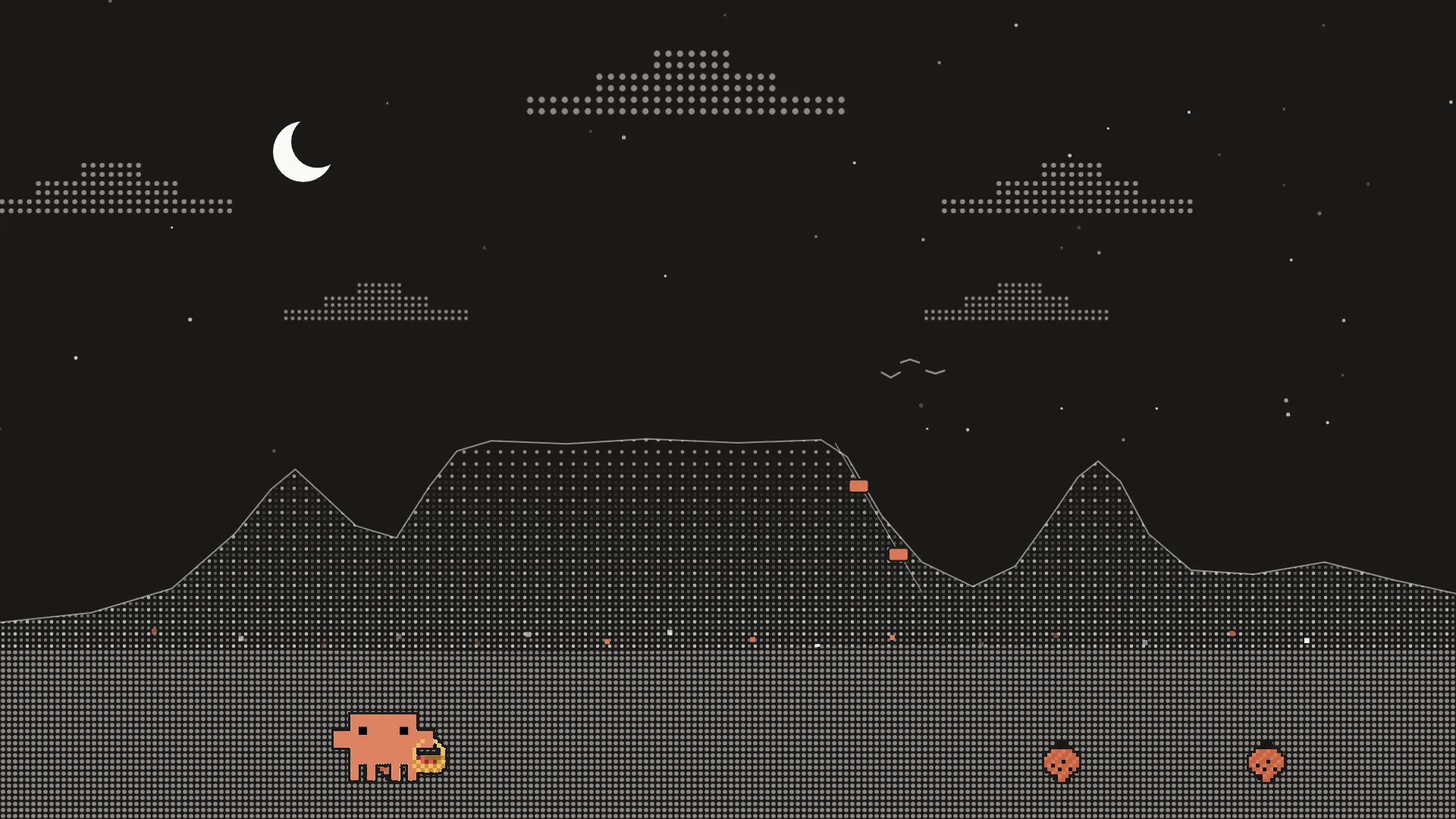
Night
The moon, stars and city lights, on dark.
MP4 video, 1920 by 1080, 7 MB
How to use one in Zoom
- Download a video above.
- In the Zoom app on your computer, open Settings, then Background & effects.
- Under Virtual backgrounds, choose the plus button, then Add video, and pick the file.
Video backgrounds need the Zoom app on a computer. They work best with an even wall behind you and good light on your face.